AI and Buildium Integration (Future Prep): 2026 Glossary
Learn AI and Buildium Integration (Future Prep) essentials: plan tiers, API/webhooks, native vs third-party, and a readiness checklist.

TL;DR
Buildium’s native AI suite (Lumina AI) handles internal workflows like bill scanning and communication drafting, but it lacks conversational AI for phone calls, SMS, and after-hours coverage. Meaningful third-party AI integration requires the Premium plan at $400/month for Open API access. This glossary defines every term Buildium users encounter when exploring AI integration, maps features to plan tiers, and provides a practical checklist to prepare your portfolio for deeper AI adoption without wasting money.
Quick Answer: What Does AI Integration with Buildium Actually Mean?
For most property managers, AI and Buildium integration means connecting AI tools to Buildium's property management system so routine tasks happen automatically. Buildium's native AI (Lumina AI) handles internal workflows such as invoice scanning, communication drafting, and leasing administration. However, advanced capabilities like AI phone answering, SMS automation, maintenance triage, lead qualification, and vendor dispatch typically require third-party integrations.
The most important requirement is API access. Property managers who need AI tools to create work orders, update records, or sync data with Buildium generally need the Premium plan because Open API access is not available on lower tiers.
Before purchasing any AI solution, focus on three areas:
- Clean property and tenant data
- Defined operational workflows
- Clear ROI expectations
Organizations that address those three items first are significantly more likely to achieve successful AI adoption.
Why Buildium Property Managers Need This Glossary Now
The conversation around AI and Buildium integration has shifted from “someday” to “this quarter.” Buildium launched its Lumina AI suite, expanded its Marketplace to over 50 integrations, and opened API access for custom connections. But the terminology is confusing, the plan requirements are buried in fine print, and vendor marketing makes everything sound like a silver bullet.
This glossary cuts through that noise. It defines the terms you’ll encounter, explains which Buildium plan you actually need for each capability, and gives you a concrete future-prep checklist so you’re not scrambling when the right AI tool comes along.
Whether you manage 100 units or 4,000, understanding these concepts now saves you from expensive mistakes later. Practitioners on Reddit’s r/PropertyManagement regularly report confusion about what Buildium can and can’t do with AI, and one Capterra reviewer described a painful experience with integration removal and forced plan upgrades that could have been avoided with better preparation.
If you’re exploring how AI agents connect to property management systems, Haven’s Buildium partnership page covers the specifics of that integration.
Core Platform Terms
Buildium
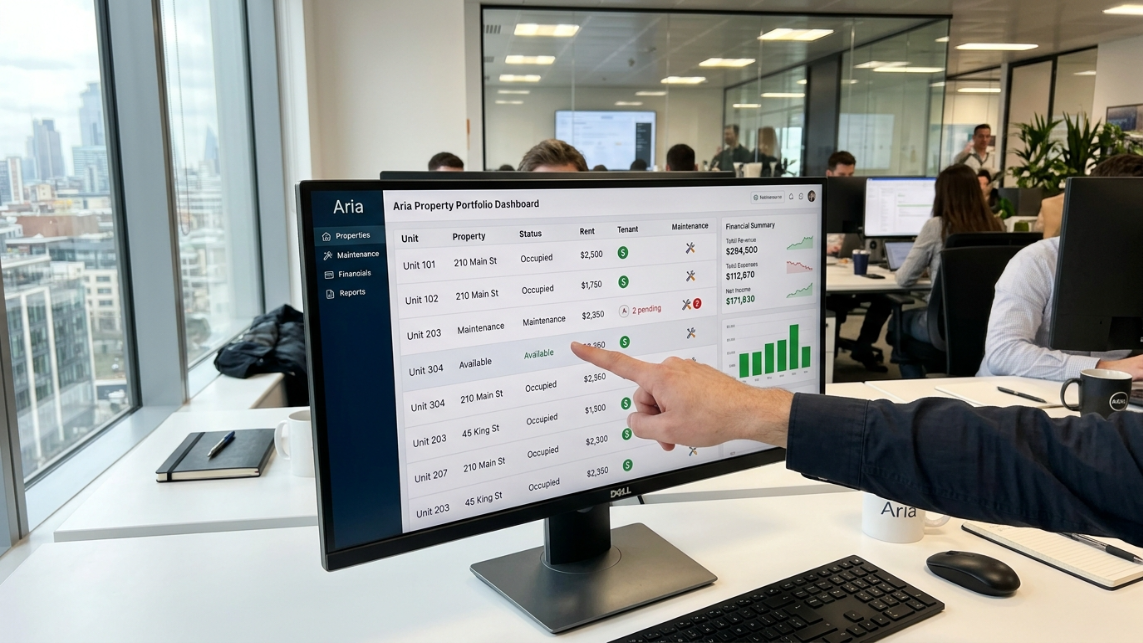
A cloud-based property management system (PMS) owned by RealPage, serving over 17,000 customers across 50+ countries with roughly 2 million residential units under management. Buildium’s sweet spot is property management companies with 50 to 5,000 units. It’s not built for enterprise portfolios above 2,000 doors where platforms like Yardi or RealPage’s own enterprise tools take over.
Why this matters for AI: The size of your portfolio determines which AI features make economic sense and which Buildium plan tier you need to support them.
Buildium Marketplace
A curated directory of pre-built integrations with third-party tools, including several AI-powered options. These connections are plug-and-play, meaning you can activate them without a developer. Think of it as an app store for your PMS.
Available on all paid plans. Currently lists partners like STAN AI, Beekin, Inspectr, RentEngine, and LaunchEngine, among others. This is the fastest path to adding AI capabilities if you’re not on the Premium tier.
Open API
An application programming interface that gives you programmatic access to your Buildium data (properties, units, residents, accounting records) and lets external tools read from and write to your account. The API supports both read and write operations plus webhook notifications for real-time event handling.
Critical detail: Open API access requires the Premium plan at $400/month. Any third-party AI tool that needs to create work orders, update lease records, or sync data bidirectionally will require this tier. That’s a $2,500+ annual planning decision that property managers on Essential ($62/mo) or Growth ($192/mo) plans need to factor in.
Sandbox Environment
A free testing environment included with Premium subscriptions that mirrors your production Buildium account. It lets you test API integrations without risking your live data. If you’re evaluating an AI tool that connects via API, always test in sandbox first.
Webhooks
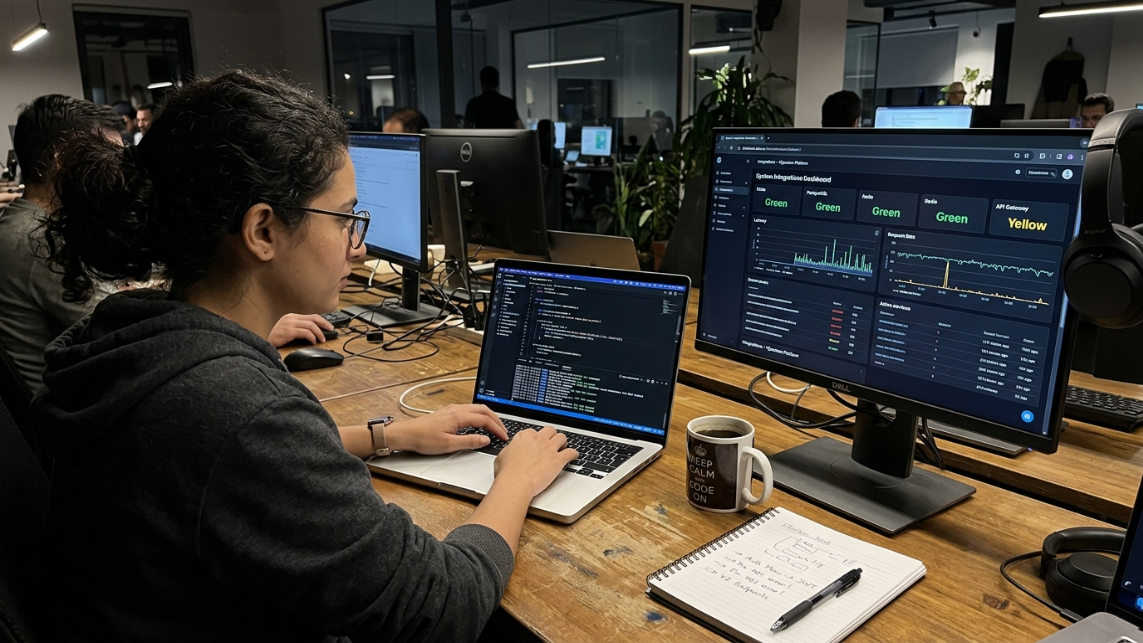
Real-time notifications that Buildium sends to an external system when something happens in your account, like a new lease being signed or a work order being created. Buildium currently supports 7 webhook types covering leases, units, properties, tenants, and more.
Why this matters: Webhooks are what allow AI tools to respond instantly rather than polling your account on a schedule. Without them, there’s always a delay between an event in Buildium and an AI tool’s response.
Rate Limiting
Buildium caps API requests at 10 concurrent requests per second. Exceed that limit and you’ll get a 429 response code (too many requests). For most AI integrations serving small to mid-size portfolios, this is sufficient. But if you’re running multiple AI tools simultaneously against the same Buildium account, you need to coordinate their request patterns.
Buildium’s Native AI: Lumina AI Terms
Lumina AI
Buildium’s built-in AI suite, designed specifically for property management workflow automation. Lumina AI handles internal operational tasks: scanning bills, drafting communications, summarizing conversations, and managing leasing workflows. It’s real and useful, but its scope is narrower than many property managers expect.
Currently, all Lumina AI features require the Premium plan.
AI Workforce
The umbrella term for Lumina AI’s five specialized agents covering maintenance, business operations, leasing, accounting, and resident experience. These agents automate tasks like closing work orders, summarizing email threads, canceling rental applications, and de-listing units.
The word “agent” here is important. These aren’t just automation rules. They’re designed to take autonomous action within defined guardrails, which brings us to the next term.
Agentic AI
AI that can act independently within boundaries you set, rather than simply responding to direct commands. In property management, this means an AI agent might automatically close a work order after confirming completion, or update an applicant’s status based on their interactions, without a human clicking a button.
Buildium’s AI Workforce includes agentic capabilities, but they’re limited to internal workflows. For a deeper look at how agentic AI works in maintenance contexts specifically, see this maintenance AI implementation guide.
AI Bill Scan
A Lumina AI feature that extracts vendor names, dates, totals, and line items from invoices, then drafts a bill in Buildium. What previously took manual data entry is reduced to a few clicks. Particularly useful for property managers handling dozens of vendor invoices monthly.
Write with AI (Write with Lumina AI)
A communication drafting tool that generates emails, notices, and other written communications from a short prompt. It can adjust tone (formal vs. friendly) and translate into other languages. Helpful for maintaining consistent, professional communication across a team without bottlenecking everything through one person.
AI Summarization
Condenses long email chains, text threads, and task histories into brief summaries. Buildium claims this reduces time spent reviewing communications by 83%. Even if the real number is half that, the time savings on a 200+ unit portfolio add up fast.
AI Leasing Agent
Part of the Lumina AI Workforce. This agent can automatically de-list units when they’re rented and update applicant statuses based on their interactions. It handles back-end leasing administration, not front-door prospect communication. That distinction matters, and we’ll cover why in the next section.
Human-in-the-Loop
A design approach where AI handles processing and recommendations, but a human reviews and approves decisions before they affect tenants. This is especially critical for anything touching leasing decisions, application screening, or tenant communications.
The Fair Housing Act prohibits discrimination based on race, color, religion, sex, disability, familial status, or national origin. Buildium’s own guidance recommends a human-in-the-loop approach for any AI that could create discriminatory outcomes. This isn’t optional. It’s a legal requirement. For a more detailed look at compliance considerations, read this Fair Housing and AI compliance guide.
Buildium AI Capabilities at a Glance
Capability | Native Buildium (Lumina AI) | Third-Party AI Integration |
|---|---|---|
Bill Processing | Yes | Yes |
Email Drafting | Yes | Yes |
Communication Summaries | Yes | Yes |
Leasing Workflow Automation | Yes | Yes |
Phone Call Handling | No | Yes |
SMS Conversations | No | Yes |
AI Maintenance Triage | Limited | Yes |
Vendor Dispatch Automation | No | Yes |
ILS Lead Qualification | No | Yes |
Work Order Creation via AI | Premium API Required | Yes |
After-Hours Coverage | No | Yes |
Voice AI Leasing Agent | No | Yes |
Buildium Plan Requirements for AI Integrations
One of the most common points of confusion is determining which Buildium subscription level supports specific AI capabilities.
Feature | Essential | Growth | Premium |
|---|---|---|---|
Marketplace Integrations | Yes | Yes | Yes |
Lumina AI Features | No | Limited | Yes |
Open API Access | No | No | Yes |
Sandbox Environment | No | No | Yes |
Custom AI Integrations | No | No | Yes |
Bidirectional Sync | No | No | Yes |
Webhook Support | No | No | Yes |
Which Plan Is Best for AI?
Essential is suitable for operators focused on core property management workflows.
Growth works for managers using prebuilt Marketplace tools.
Premium becomes necessary when AI needs to write data back into Buildium or automate workflows through the API.
Third-Party AI Integration Terms
This is where AI and Buildium integration gets both exciting and complicated. Buildium’s native AI covers internal workflows, but several major capabilities require third-party tools.
PMS Integration
The connection between an external AI tool and your property management system. These integrations can range from simple (pulling read-only data) to complex (creating work orders, updating records, triggering workflows bidirectionally). The quality of a PMS integration determines whether an AI tool actually saves you time or just creates another system to manage.
For a broader look at how PMS integrations work across platforms, see this PMS integration glossary.
Conversational AI
AI that handles real-time, natural-language conversations with tenants and prospects via phone, SMS, email, or chat. This is the biggest gap in Buildium’s native feature set.
Unlike Yardi Chat IQ, RealPage Knock, Entrata ELI+, or AppFolio Realm-X, Buildium ships without a built-in conversational AI layer. Inbound calls, ILS leads, and after-hours resident messages still hit voicemail or a human inbox. For property managers who lose leads because nobody answers at 8 PM on a Tuesday, this gap is expensive.
Third-party conversational AI tools fill this hole. Haven provides AI agents that handle phone, SMS, and email for both maintenance intake and leasing inquiries, creating work orders and qualifying leads directly inside the PMS.
Voice AI
A subset of conversational AI focused specifically on phone-based interactions. Voice AI agents answer calls, understand spoken requests, ask clarifying questions, and take actions like creating maintenance tickets or scheduling tours. They’re not IVR phone trees. Modern voice AI carries on actual conversations.
For property managers evaluating this capability, the voice AI for leasing calls guide explains how these systems work in practice.
ILS Lead Capture
ILS stands for Internet Listing Service, platforms like Zillow and Apartments.com where most renters start their search. ILS lead capture automation means an AI tool intercepts inquiries from these platforms and responds instantly rather than letting them sit in an inbox.
Speed matters here. Studies consistently show that responding to a rental inquiry within five minutes dramatically increases conversion rates. If your Buildium setup routes ILS leads to a general inbox that gets checked twice a day, you’re losing prospects to competitors who respond in seconds.
Vendor Dispatch Automation
The ability to automatically route maintenance requests to the right vendor based on issue type, time of day, vendor availability, or property location. Buildium’s work order system does not natively support conditional vendor routing.
This matters more than most property managers realize. According to the National Apartment Association’s 2025 Operations Survey, 67% of property managers at firms with 200+ units spend more than 4 hours per week manually routing maintenance requests. At a fully-loaded labor cost of $35/hour, that’s $7,826 annually per manager, before accounting for slower response times and tenant dissatisfaction.
Third-party AI tools that connect via Buildium’s API can automate this routing. For a deep dive into the topic, read this emergency maintenance triage guide.
Work Order Automation
Creating, updating, and closing work orders inside Buildium via API without manual data entry. This is one of the highest-value AI integrations because it eliminates the re-keying problem: a tenant calls about a leaky faucet, the AI captures the details, and a work order appears in Buildium with the right property, unit, issue type, and priority level already filled in.
Requires the Premium plan for API access.
Bidirectional Sync
Data flowing in both directions between Buildium and an external tool. A one-way sync only pulls data out of Buildium (read-only). A bidirectional sync also pushes data back in: creating records, updating statuses, closing work orders. LaunchEngine, for example, syncs 16 API resources including properties, units, owners, tenants, leases, and work orders with real-time updates via 7 webhook types.
Without bidirectional sync, you end up maintaining two systems manually, which defeats the purpose of automation.
Middleware (Zapier, Make.com)
Third-party platforms that connect apps that don’t have direct integrations with each other. They act as a bridge, triggering actions in one app based on events in another.
Here’s the uncomfortable truth: Buildium doesn’t have a native Zapier app. Workaround integrations using Zapier are unreliable. As one analysis put it, “Zaps break, data doesn’t sync, and you’re stuck manually patching things up.” Practitioners report that Zapier simply isn’t built for the realities of property management data workflows.
The better path is direct API integrations or Marketplace plug-and-play tools. Middleware should be a last resort, not a foundation.
Most Common AI Use Cases for Buildium Property Managers
Property managers typically pursue AI integration to solve operational bottlenecks rather than simply adopting new technology.
Leasing Automation
AI can respond to rental inquiries, qualify leads, schedule showings, and follow up automatically.
Maintenance Intake
AI voice agents can answer maintenance calls 24/7, collect issue details, classify emergencies, and create work orders.
Resident Communication
AI tools can handle repetitive tenant questions regarding rent payments, amenities, maintenance status, and lease policies.
Accounting Automation
Invoice processing, bill coding, expense categorization, and reconciliation workflows can be partially automated.
Portfolio Reporting
AI can summarize performance metrics, occupancy trends, maintenance volume, and financial results across properties.
AI Readiness and Evaluation Terms
Data Quality
The accuracy, consistency, and completeness of the information in your Buildium account. AI amplifies whatever it finds. If your vendor list has duplicate entries, your unit numbers are inconsistent, or your chart of accounts is a mess, AI tools will produce messy outputs at scale.
Cleaning your data before connecting AI isn’t glamorous work, but it’s the single most important preparation step. Garbage in, garbage out, at machine speed.
Chart of Accounts Mapping
Standardizing your accounting categories in Buildium so they align with how AI tools categorize transactions. If your chart of accounts uses inconsistent naming (e.g., “Maintenance - Plumbing” in one place and “Plumb Repairs” in another), AI tools that process financial data will produce unreliable reports.
AI vs. Automation
These terms get used interchangeably, but they’re different. As Buildium’s own content explains, automation follows rules you set (if X happens, do Y), while AI learns from data to make decisions. A rent reminder that sends on the first of every month is automation. An AI agent that reads a tenant’s maintenance request, determines the issue is a Category 2 plumbing emergency, and dispatches the on-call vendor is AI.
Most property managers benefit from both. The key is knowing which problems need rules and which need intelligence.
SOC 2 Certification
A security certification indicating that a vendor has been independently audited for how they handle customer data. When evaluating any AI tool that will access your Buildium data (which contains tenant PII, financial records, and lease documents), SOC 2 compliance should be a minimum requirement, not a nice-to-have.
ROI Payback Period
The time it takes for an AI tool’s cost savings to exceed its total cost. Buildium’s own guidance suggests aiming for a six to nine month payback period when evaluating AI software. If a vendor can’t articulate how their tool pays for itself within that window, ask tougher questions. For a more detailed ROI framework, check out this AI benefits and ROI guide.
Example AI ROI Calculation for a 500-Unit Portfolio
Activity | Hours Saved Per Month | Estimated Value |
|---|---|---|
Maintenance Call Handling | 15 | $525 |
Vendor Dispatching | 10 | $350 |
Leasing Follow-Up | 12 | $420 |
Invoice Processing | 8 | $280 |
Total Monthly Savings | 45 | $1,575 |
Assuming a fully loaded labor cost of $35 per hour, a property management company saving 45 hours monthly could recover nearly $19,000 annually in operational costs.
Total Cost of Ownership
The real cost of an AI integration, not just the tool’s subscription price. For Buildium users, this includes:
The Buildium plan tier required (Essential at $62/mo vs. Premium at $400/mo)
The AI tool’s own subscription
Any middleware costs (Zapier plans, if applicable)
Staff time for setup, monitoring, and maintenance
Training costs for your team
Property managers often underestimate the plan upgrade cost. If you’re on the Growth plan at $192/month and need API access, that’s an additional $2,496/year before you even pay for the AI tool.
Vendor Lock-In
The risk that switching away from a tool becomes prohibitively difficult because your data is trapped inside it. Before committing to any AI integration, confirm that you can export your data in a standard format. Ask the vendor directly: “If we cancel, what happens to our data and how do we get it out?”
The Capterra review mentioned earlier, where a property manager had their maintenance coordination integration removed without notice, is a cautionary tale about depending on a single integration without a backup plan.
Key Buildium Marketplace AI Partners
A quick reference for the AI-powered tools currently available through Buildium’s ecosystem:
STAN AI acts as a centralized AI chatbot for property managers, helping staff handle repetitive communication tasks. It’s a different approach from tools that replace specific processes. Think of it as an internal assistant rather than a tenant-facing agent.
Beekin (Ebby) provides AI-powered rental valuation. Their LeaseMax product helps property managers optimize pricing decisions, with claims of growing Net Operating Income by 400 basis points.
Inspectr connects to Buildium and deploys an AI agent focused on property operations, particularly inspections and related workflows.
RentEngine offers AI-powered leasing capabilities through the Marketplace.
LaunchEngine bridges Buildium with Monday.com for project management, syncing property data in real time.
AI and Buildium Integration: Your Future-Prep Checklist
You don’t need to overhaul your entire operation at once. Buildium’s own advice is sound: start with one AI use case and scale from there. Here’s what to do now, regardless of which Buildium plan you’re on.
1. Audit and clean your Buildium data. Go through your property records, unit details, vendor lists, and chart of accounts. Fix duplicates, standardize naming conventions, and fill in missing fields. This is the foundation everything else builds on.
2. Identify your biggest time sinks. Is it after-hours maintenance calls? Slow leasing responses? Manual vendor coordination? Invoice processing? The answer determines which AI tool to evaluate first. For most property managers, the after-hours maintenance gap is the most painful and the easiest to quantify.
3. Evaluate your plan tier. If your top AI use cases require API access (work order creation, bidirectional data sync, custom integrations), you need the Premium plan. If Marketplace plug-and-play tools cover your needs, the Growth plan may suffice. Don’t upgrade until you have a specific integration that requires it.
4. Start with one Marketplace AI tool. Pick a low-risk integration, activate it, and test it for 30 days. This teaches you how Buildium’s integration layer behaves before you commit to anything complex.
5. Document your vendor list and dispatch rules. Even if you’re not automating vendor dispatch today, writing down your routing logic (which vendor handles plumbing, who’s on-call after hours, what constitutes an emergency) prepares you for AI-powered routing later.
6. Assess your conversational AI gap. Count how many tenant calls go to voicemail after hours. Track how long it takes to respond to ILS leads. These numbers make the business case for adding a conversational AI layer on top of Buildium.
7. Review Fair Housing requirements. Any AI tool that touches leasing decisions needs human-in-the-loop oversight. Document your compliance protocols before, not after, adding AI.
8. Calculate your ROI threshold. Know what a six to nine month payback looks like for your portfolio. If a tool costs $500/month, it needs to save or generate at least $3,000 to $4,500 in that payback window to justify the investment.
Preparing for AI and Buildium integration doesn’t mean buying every tool on the Marketplace. It means getting your data clean, understanding your plan’s limitations, and knowing exactly where AI would make the biggest difference.
Learn how Haven integrates with Buildium to fill the conversational AI gap for maintenance and leasing.
Buildium vs Other Property Management Platforms for AI
Property managers often compare Buildium's AI roadmap against larger property management systems.
Platform | Native AI | Conversational AI | Open API | Best Fit |
|---|---|---|---|---|
Buildium | Strong Internal AI | No | Premium Only | Small-Mid Portfolios |
AppFolio | Growing AI Suite | Limited | Available | Mid-Sized Operators |
Yardi | Advanced AI Ecosystem | Yes | Extensive | Large Portfolios |
Entrata | Strong AI Investment | Yes | Available | Multifamily Operators |
RealPage | Advanced AI Tools | Yes | Extensive | Enterprise Portfolios |
What Makes Buildium Different?
Buildium's strength is simplicity and affordability. Its AI strategy currently focuses on workflow efficiency rather than resident-facing automation, which creates opportunities for third-party AI vendors to fill those gaps.
Key Facts About AI and Buildium Integration
Buildium's native AI platform is called Lumina AI.
Open API access requires the Premium plan.
Webhooks enable real-time integrations.
Buildium currently does not provide built-in conversational AI for phone or SMS.
Marketplace integrations are available across paid plans.
Work order automation typically requires API access.
Human oversight remains necessary for Fair Housing compliance.
Data quality is the biggest predictor of AI implementation success.
Frequently Asked Questions
Does Buildium have built-in AI?
Yes. Buildium’s Lumina AI suite includes AI Bill Scan, Write with AI, AI Summarization, and the AI Leasing Agent, among other features. These handle internal workflows like invoice processing, communication drafting, and leasing administration. However, Lumina AI does not include conversational AI for handling inbound phone calls, SMS, or real-time prospect/tenant communication.
Which Buildium plan do I need for AI features?
All Lumina AI features currently require the Premium plan at $400/month. The Growth plan ($192/month) includes some AI-powered tools, but full Lumina AI access and Open API access (needed for third-party AI integrations) are Premium-only.
Can I use Zapier to connect AI tools to Buildium?
Technically, but it’s unreliable. Buildium doesn’t have a native Zapier app, and workaround integrations frequently break. Direct API connections (Premium plan) or Marketplace integrations are far more stable paths for AI and Buildium integration.
What AI capabilities does Buildium lack that third-party tools provide?
The biggest gap is conversational AI. Buildium has no native voice AI, SMS automation, or real-time chat for handling tenant calls and prospect inquiries. It also lacks conditional vendor dispatch (routing maintenance requests based on issue type, time, or vendor availability) and automated ILS lead capture and response.
How much does it cost to add AI to Buildium?
Total cost depends on your current plan tier, the AI tools you choose, and any middleware. At minimum, you’ll need the Premium plan ($400/month) if your integration requires API access. Add the AI tool’s subscription on top of that. Budget for a six to nine month payback period when evaluating ROI.
Is AI in property management compliant with Fair Housing laws?
AI tools themselves are not inherently compliant or non-compliant. Compliance depends on how you configure and use them. Any AI that influences leasing decisions, application screening, or tenant communications must maintain human-in-the-loop oversight to avoid discriminatory outcomes prohibited by the Fair Housing Act.
What should I do first to prepare my Buildium account for AI integration?
Clean your data. Standardize vendor names, fix unit numbering inconsistencies, update your chart of accounts, and remove duplicate records. AI tools process whatever data they find, and messy data produces messy results at scale. After that, identify your single biggest time sink and evaluate AI tools that address it specifically.
How do webhooks work in Buildium’s AI ecosystem?
Webhooks send real-time notifications from Buildium to connected tools when specific events occur (new lease, updated work order, etc.). Buildium supports 7 webhook types. They allow AI tools to respond immediately to changes rather than checking for updates on a schedule, which is essential for time-sensitive workflows like emergency maintenance triage.